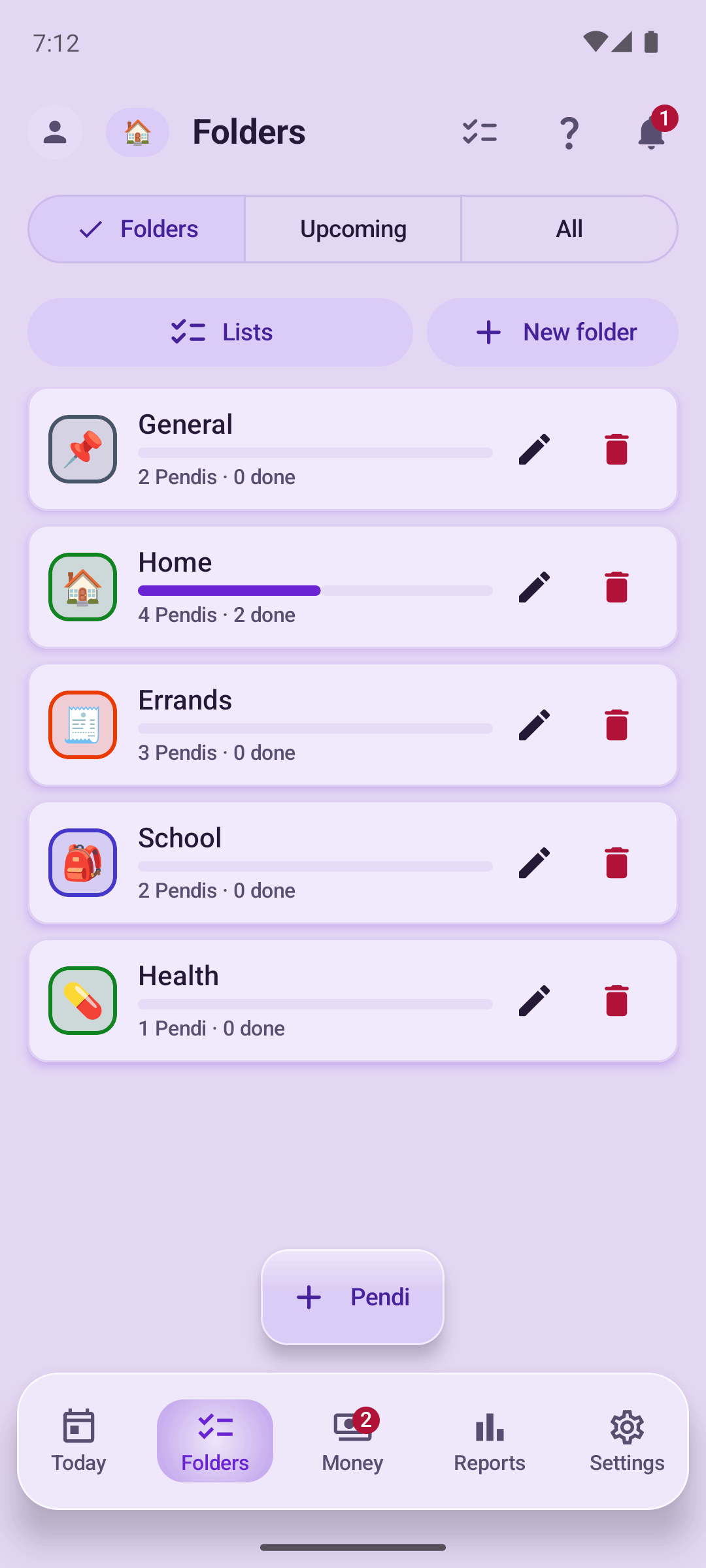
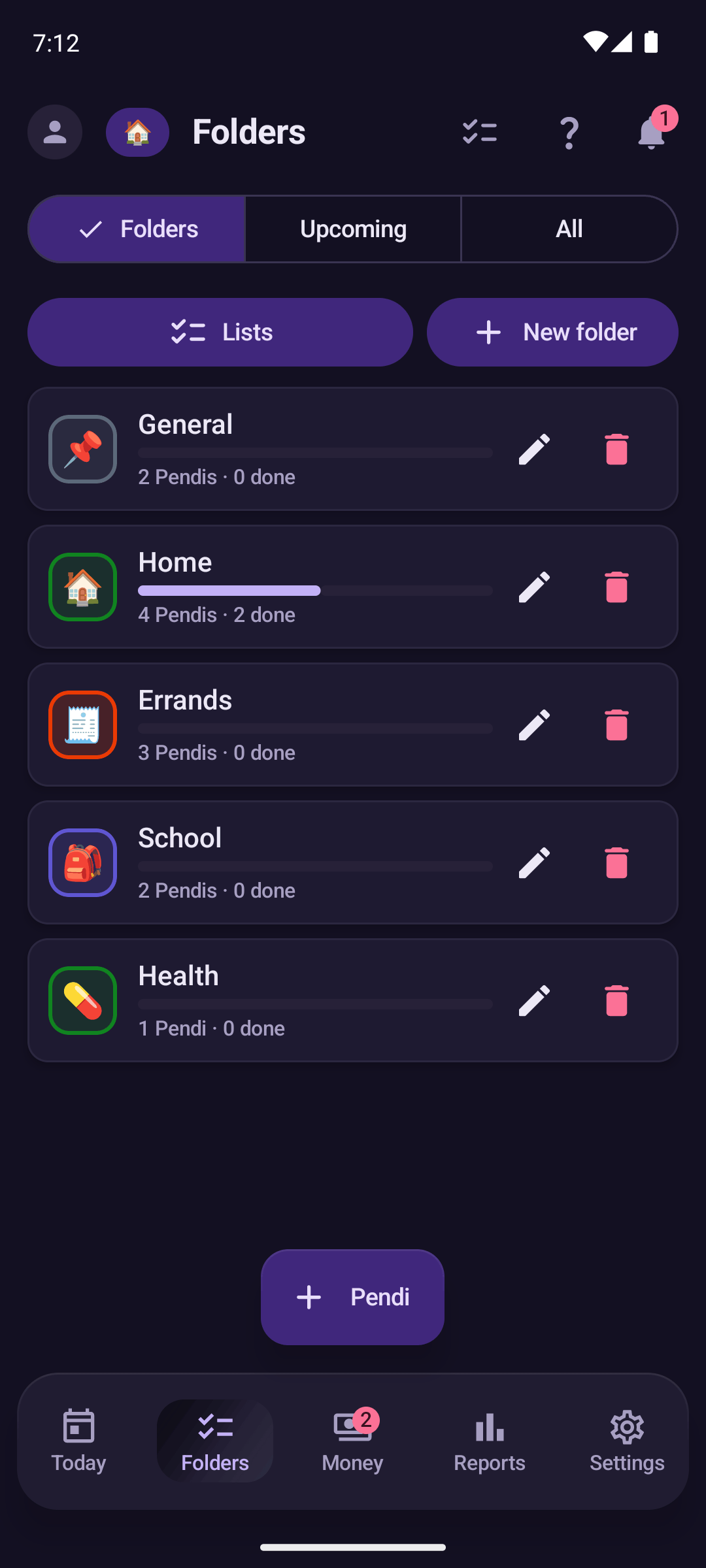
Pendi
Available now on Google Play

Your family's tasks and money, in one place.

Reminders that ring at the exact time and expenses captured straight from your notifications, offline.

No ads. We never sell your data. Free, with the premium features included during launch.

Your data lives on your phone.

Your notification text is processed on your device and the full text never leaves your phone; with AI on, only a reduced fragment leaves so a model can suggest a category. Pendi works without an account. The space you choose to share with your family syncs, and your personal space only if you turn its backup on. You decide which apps are read, app by app, and can turn it off anytime.

No ads No data sale No SMS reading No location No advertising IDs

Built for a family's everyday.

Three things Pendi does well, without getting in your way.

Your purchases log themselves

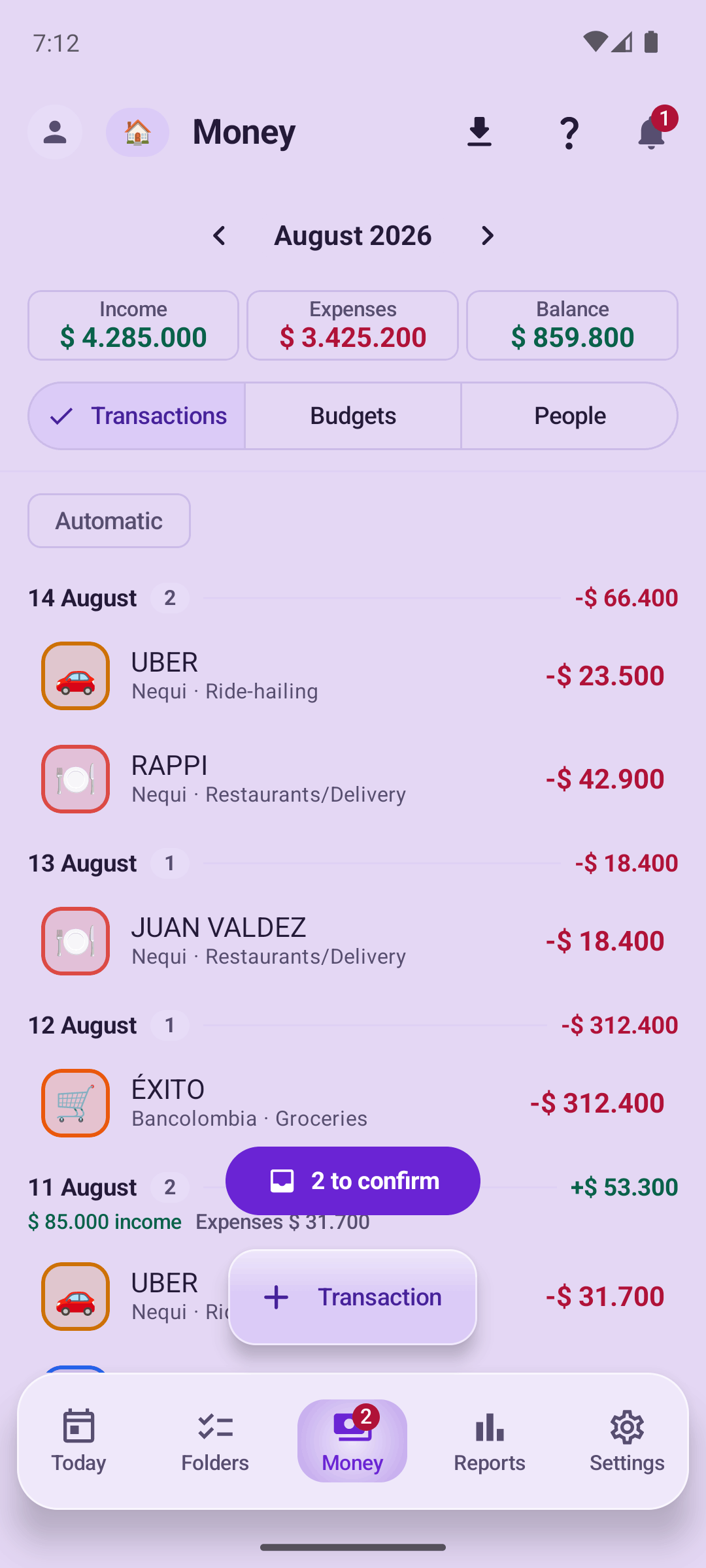
Pendi reads the notifications you choose, app by app, and turns them into expenses you confirm. It never accesses your accounts or moves your money.

Local-firstThe full text stays on your phone. With AI on, only a reduced fragment leaves.

Reminders that ring

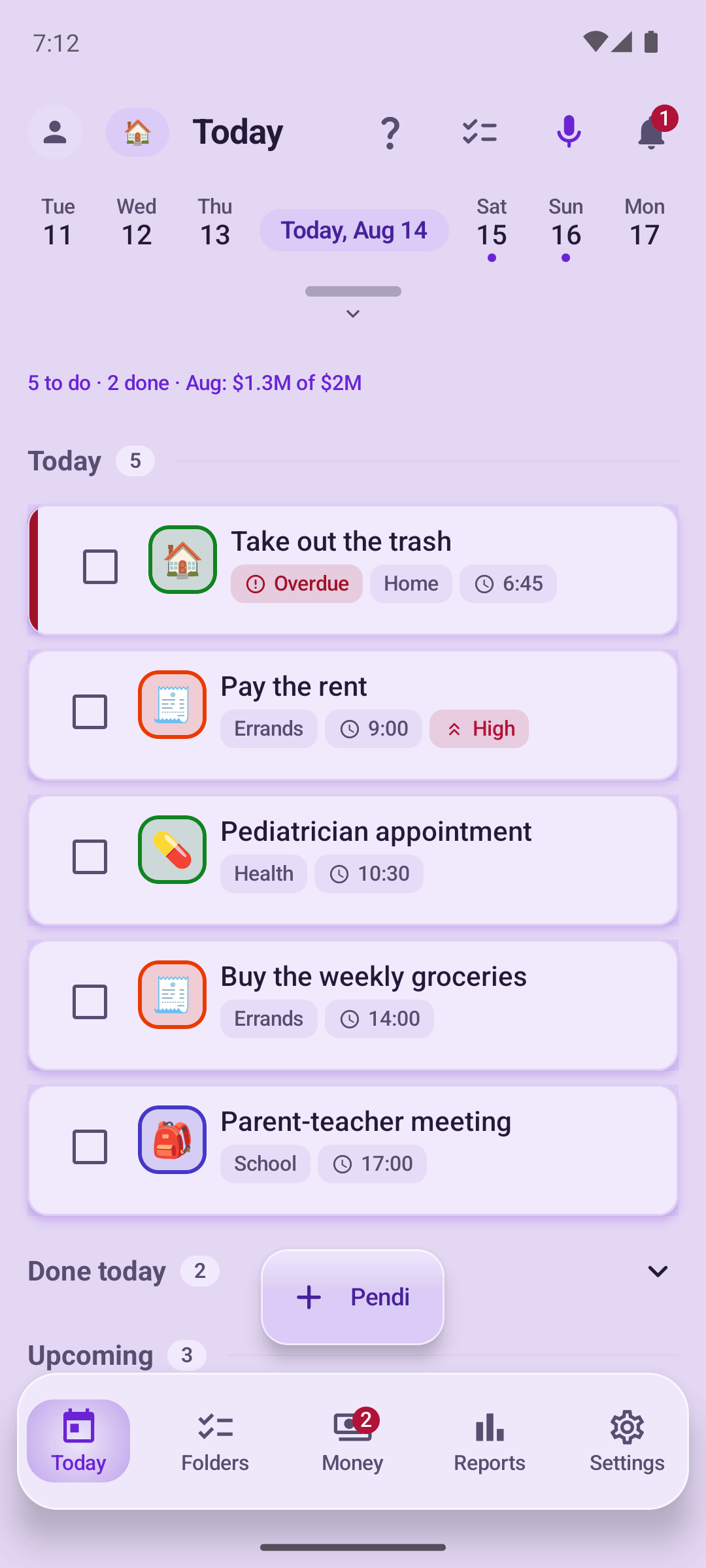
Alerts at the exact time, even with the phone locked. Plus voice entry: create a task or an expense by speaking.

Shared family lists and budgets

Share expenses, debts and lists with the people you invite. Your personal space stays yours.

How your expenses get captured.

Without connecting your bank and without giving anyone your passwords.

  1. 1

    You choose which apps are read

    Turn detection on only for the apps you want: your bank, your wallet, delivery apps. Nothing else.

  2. 2

    Pendi reads the alert on your phone

    When a payment notification arrives, Pendi interprets it on the device. The full text never leaves your phone; with AI on, only a reduced fragment leaves so a model can suggest the category. See the privacy policy.

  3. 3

    You confirm the expense

    You get a ready movement with an amount and a suggested category. Confirm or adjust it in one tap.

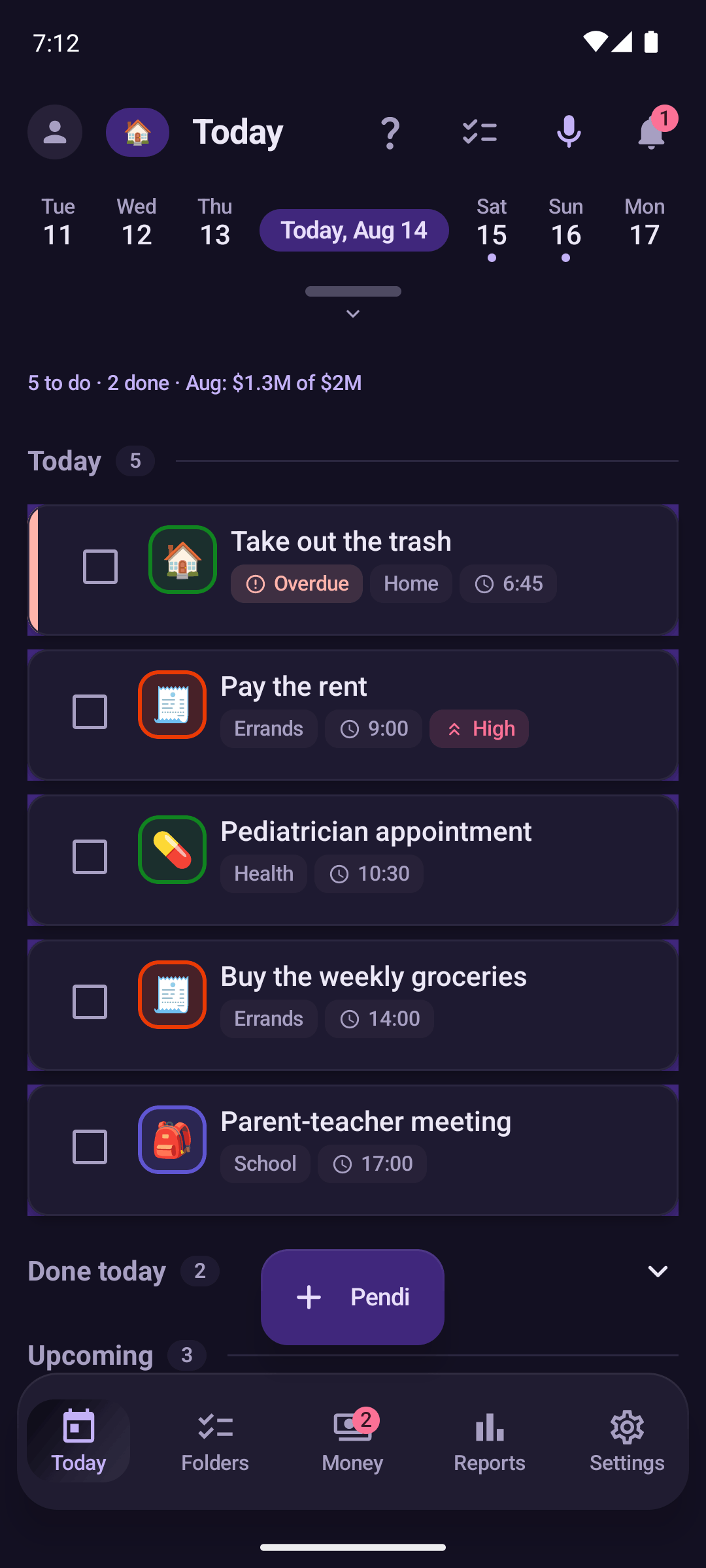
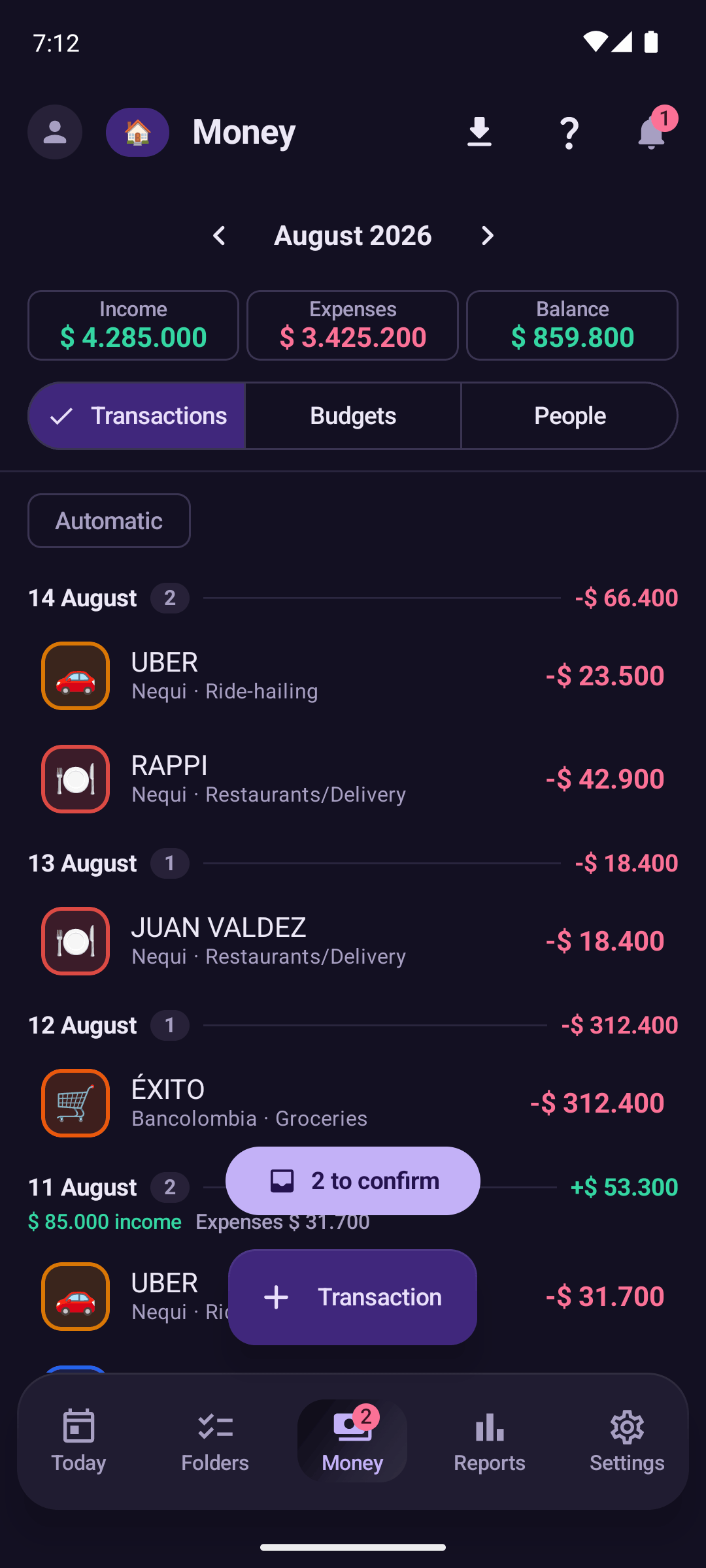
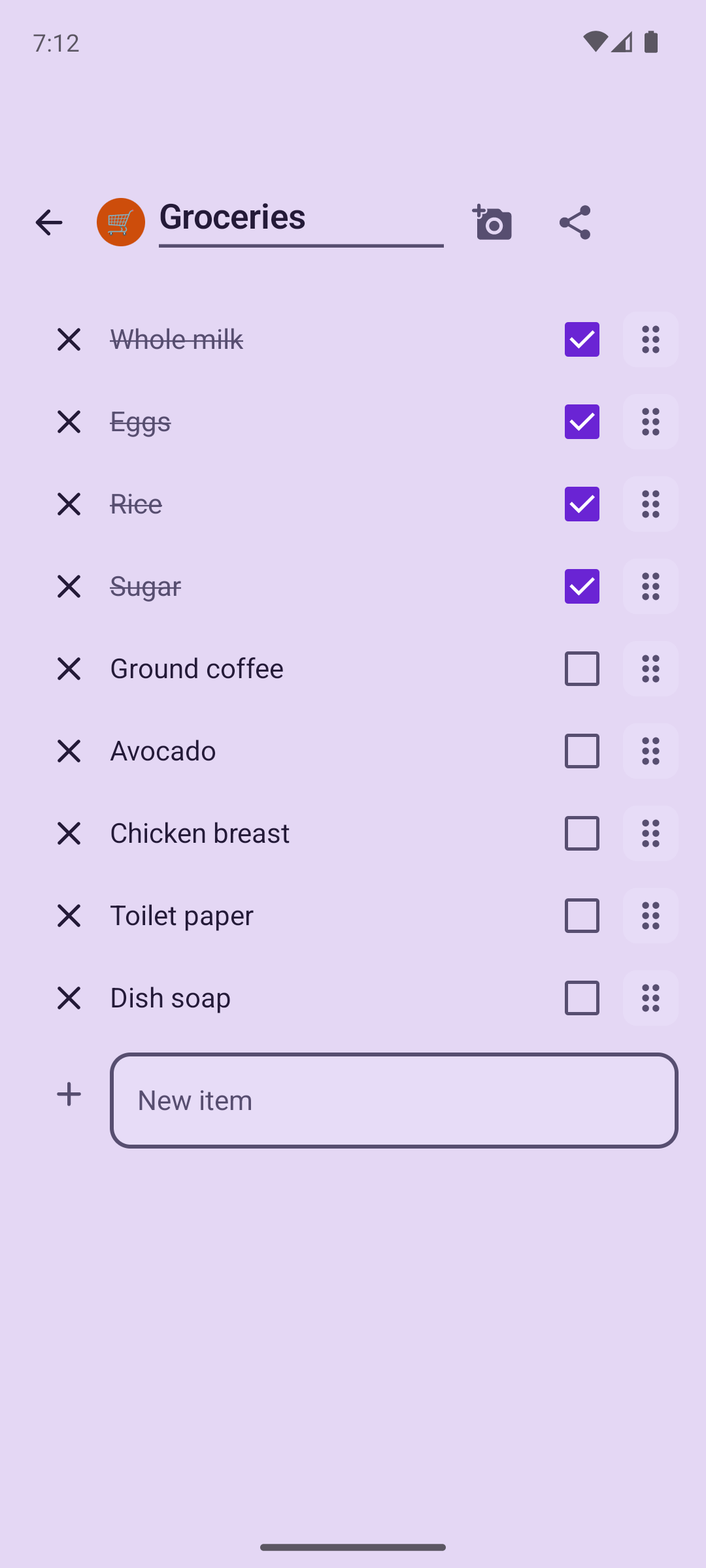
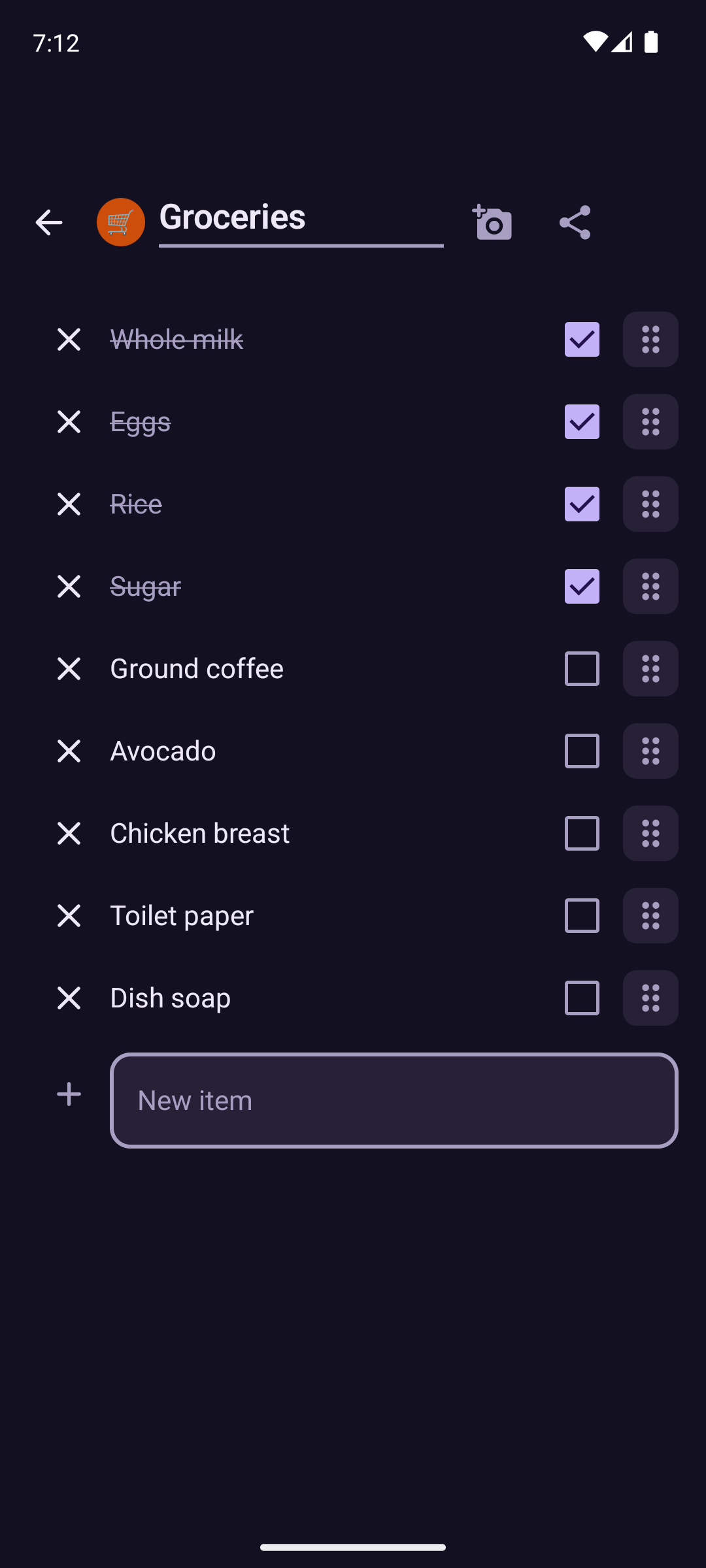
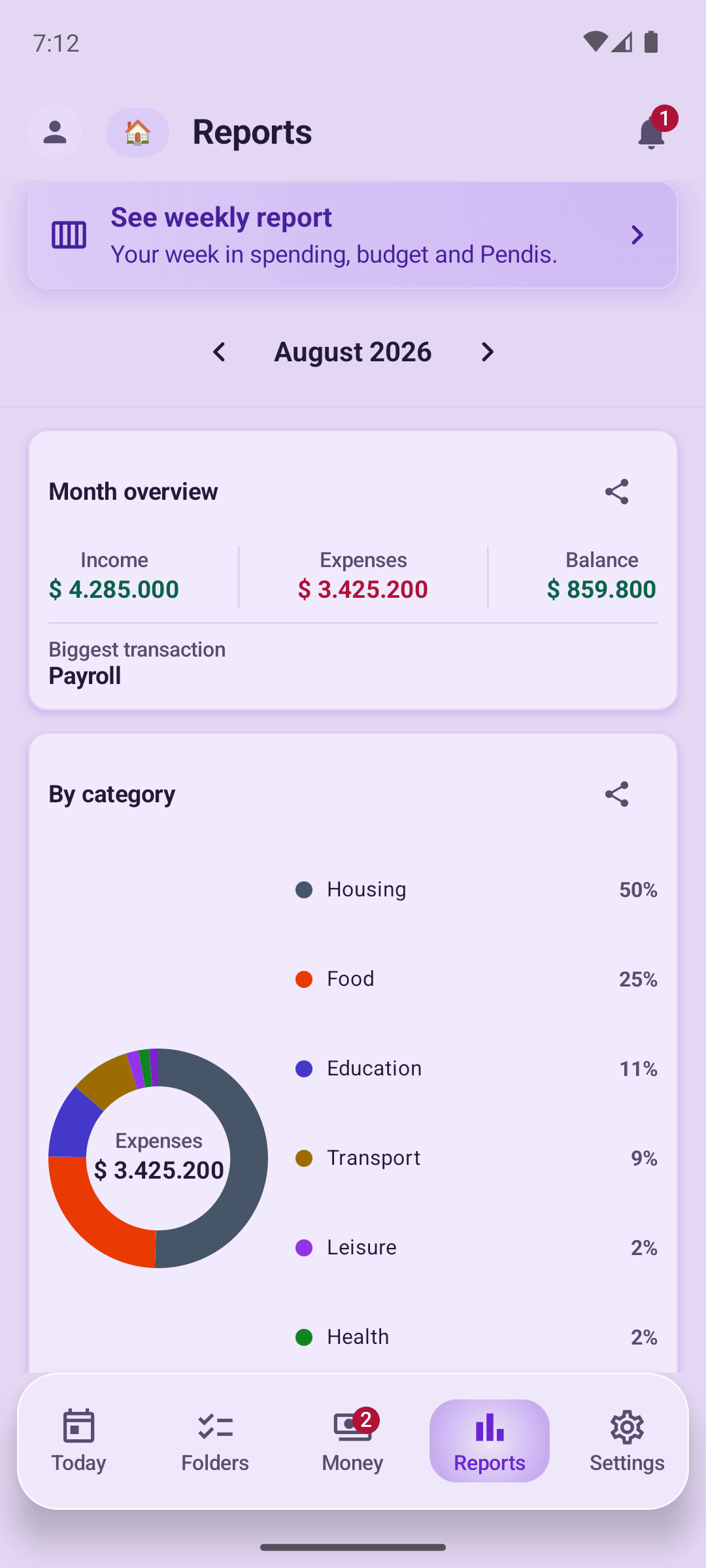
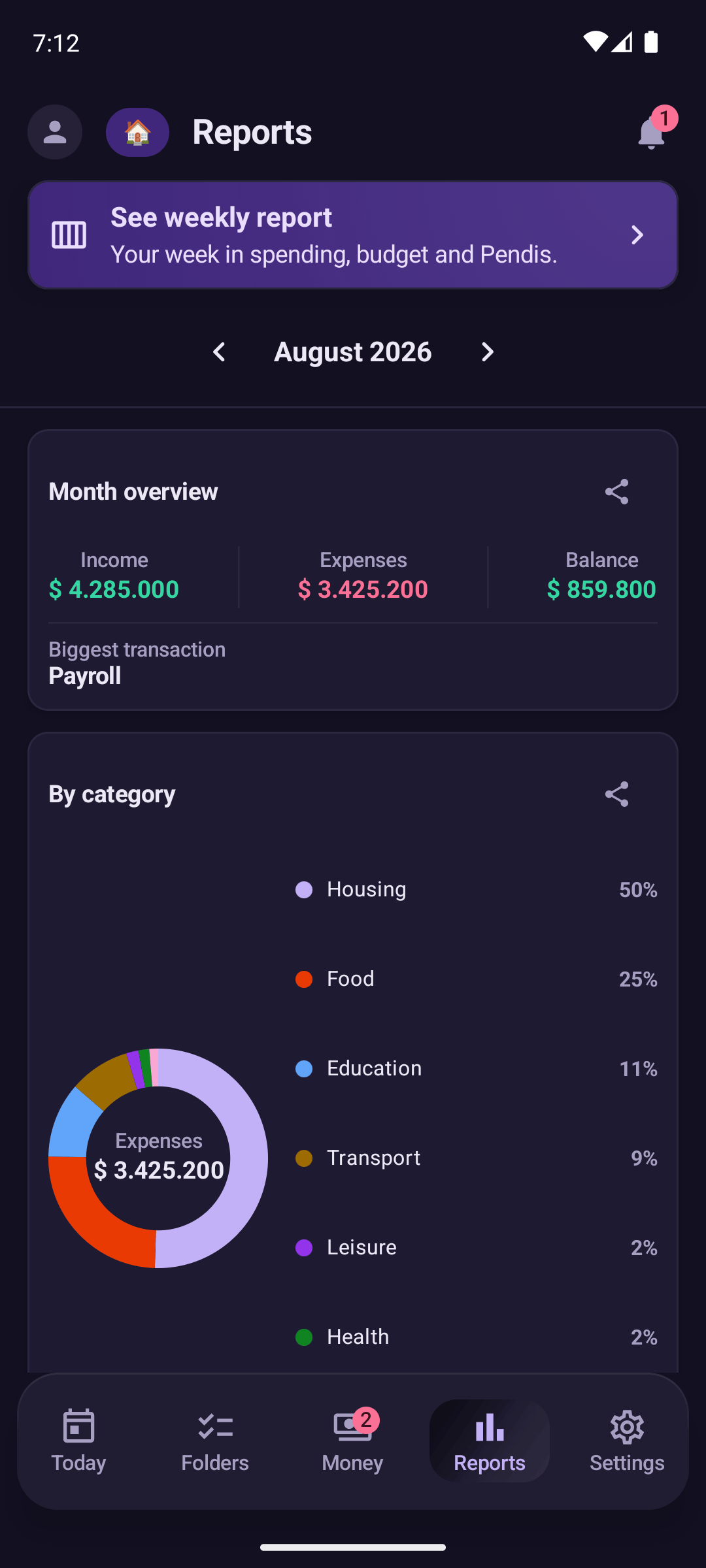
See inside.

Real screenshots from the app. Swipe or use the arrows.

Your day, without opening the app.

The Pendi widget lives on your home screen and answers the only thing that matters right then: what comes next.

An illustration of the Pendi widget.
  • The day and what is left, right at the top. Below it, what comes next with its time, larger than the rest, because that is what you are about to do. Anything overdue is marked in amber.
  • One checkbox and done. Tick off what you finished right from the home screen, without opening the app. Next to them, three shortcuts: create, dictate by voice, and log an expense.
  • Light by day, dark by night. It follows your phone's mode, in the app's own colors. And there is a second, single-line widget for logging an expense on the spot.
  • And very soon, switching space in one tap: going from your personal space to the family one without leaving the home screen.

Already have Pendi? Press and hold an empty spot on your home screen and look for Pendi among the widgets.

A space for the family, and one that is just yours.

Share whatever you want with the people you invite. The shared space's expenses, debts and lists look the same for everyone.

  • Invite by a link, with no one creating an account.
  • Clear debts: who owes whom and how much.
  • Your personal space is never shared with anyone, and it only goes to the cloud if you turn its backup on.

See it in action.

Twelve seconds of Pendi, silent and looping.

See Pendi in 12 seconds

Frequently asked questions.

What is Pendi?

Pendi is an Android app, made in Colombia, that keeps your family's tasks and expenses in one place. It works offline, stores your data on your phone, and is available now on Google Play.

Is Pendi free?

Yes. Pendi is free, and during this launch stage the premium features are included for everyone who installs it. Later there will be an optional paid premium tier, and the app stays fully functional without it.

How does Pendi read my notifications?

Pendi reads the text of the notifications you enable, app by app, and processes it on your own phone to recognize payments and turn them into expenses you confirm. The full text never leaves your phone. With the AI assistant on, only a reduced fragment leaves, with no emails and no account or card numbers, so a model can suggest the category, and you can turn the assistant off in Settings.

Does Pendi access my bank?

No. Pendi never accesses your accounts or moves your money. It only reads the notifications you already receive and enable, nothing more.

Is Pendi safe to use?

Yes. Notifications are read and interpreted on your device, and the full text never leaves it. If the AI assistant is on, a reduced fragment leaves, with emails and any run of four digits or more removed on the phone first, so account and card numbers never leave. There are no ads, nothing is used for advertising, and no data is sold.

Do I need to create an account?

No. Pendi works without an account. The space you share with your family syncs through Google Firebase, and your personal space syncs only if you turn its backup on.

Which phones does it run on?

Pendi is an Android app.

Where do I download Pendi?

On Google Play. Open the listing from the download button on this page, or search for Pendi on Google Play from your Android phone.

More questions? Visit Support or Delete account.